A strong YouTube brand can make a new business look established. The right sizes help your channel look sharp, trustworthy, and ready for clicks. Getting your YouTube banner size, profile picture, and thumbnails right isn’t just a technical detail. It’s often the difference between a channel that looks like a real business and one that looks like an afterthought.
This guide covers every major piece of YouTube image dimensions you’ll need in 2026, from your banner down to your watermark, so you can build a channel that looks consistent everywhere it appears.
CONTENTS TABLE
- Why YouTube Branding Matters More Than Ever
- YouTube Channel Banner Size
- YouTube Profile Picture Size
- YouTube Thumbnail Size
- End Screens & Watermarks
- Quick Reference Table
- Branding Checklist
- Build It Without a Designer
- Simple Design Rules
Why YouTube Branding Matters More Than Ever
Your channel art is often your first pitch. Before viewers hear your voice, they see your visuals, and that split-second impression counts. In a crowded feed, viewers decide whether to trust a channel in a matter of seconds, and your YouTube channel art size choices play a huge role in that snap judgment.
YouTube Is the World’s Second-Largest Search Engine
YouTube works like a visual storefront. If your banner and logo look messy, visitors may assume your business is, too.
That’s a rough first impression for any founder. Clear branding signals focus, care, and a real plan. Since so much discovery happens through search and recommendations rather than direct links, your channel often has to make its case with almost no context. A polished banner and a recognizable profile icon do a lot of that persuading before a single video ever plays.
Consistent Branding Builds Trust
A matching banner, profile icon, and thumbnail style help people remember you. Repetition makes your channel feel familiar, like a shop sign you’ve passed a few times.
When the look stays steady, your content feels more credible. Viewers who see the same color palette, logo mark, and thumbnail layout across multiple uploads start to recognize your channel in their subscription feed instantly. That kind of visual shorthand is worth a lot, often reducing the friction between I’ve seen this before and I trust this.
This is especially true for small and growing businesses. A large, established brand can lean on name recognition alone. A newer channel doesn’t have that luxury, so its visuals have to do more of the work. Getting your sizing right across every banner, icon, thumbnail, and watermark is a low-cost way to borrow some of that same polish.

YouTube Channel Banner Size
Your banner is the biggest branding surface on your channel. It should set the tone quickly and still look clean on every device. Nailing the correct YouTube banner size saves you from having to redo your entire channel art later, so it’s worth getting right from the start.
Recommended Banner Size
Use 2560 x 1440 px. Keep the safe area at 1546 x 423 px, so important details stay visible on smaller screens.
That safe zone is the part that matters most. It protects your name, tagline, and logo from getting cropped. This is one of the most important YouTube banner dimensions 2026 rules to remember, since YouTube displays your banner differently depending on the device someone is using.
Why the Safe Zone Matters
YouTube crops banners differently on TV, desktop, tablet, and mobile. If important text sits outside the safe area, part of it may vanish.
Think of it like placing a sign in a shop window. The edges may be covered, but the center stays visible. On a smart TV, viewers may see the full 2560 x 1440 px canvas, while a mobile visitor may only see the narrow safe-area strip. Avoid an awkward crop by designing for the smallest common view first, then letting the rest of the banner act as decorative background.
What to Include
Add your channel name, upload schedule, tagline, and logo. Keep it short, because clutter turns a banner into noise.
If you launch weekly videos, say so. If your content covers business tips, make that clear right away. A banner that answers who you are, what you post, and when in under three seconds is doing its job. Anything beyond that, such as background textures, extra taglines, and secondary calls to action, should stay outside the safe zone so it doesn’t compete for attention.

YouTube Profile Picture Size
Your profile picture appears small, so it has one job. It needs to be instantly recognizable, even at tiny sizes. Because it shows up next to every comment and video thumbnail you post, your YouTube profile picture size deserves just as much attention as your banner.
Recommended Profile Icon Size
Use 800 x 800 px. On a desktop, it displays around 98 x 98 px so that small details can disappear fast.
Format & Fit
JPG or PNG both work. For business brands, a PNG often helps keep clean edges and sharper color blocks.
The icon is cropped into a circle. Put your logo mark in the center, and leave breathing room around it. Getting your YouTube channel logo size proportions right within that circular crop prevents your mark from looking cut off or off-center once it’s live.
Keep It Simple
Choose a high-contrast logo with little or no text. Tiny text fades away, and nobody wants a squinting contest.
A single letter, symbol, or strong logo mark often wins here. It reads faster and looks cleaner. If your business already has a wordmark-heavy logo, consider designing a simplified icon version specifically for this spot. Many established brands keep a monogram or symbol-only variant just for small-format placements like this one.
YouTube Thumbnail Size
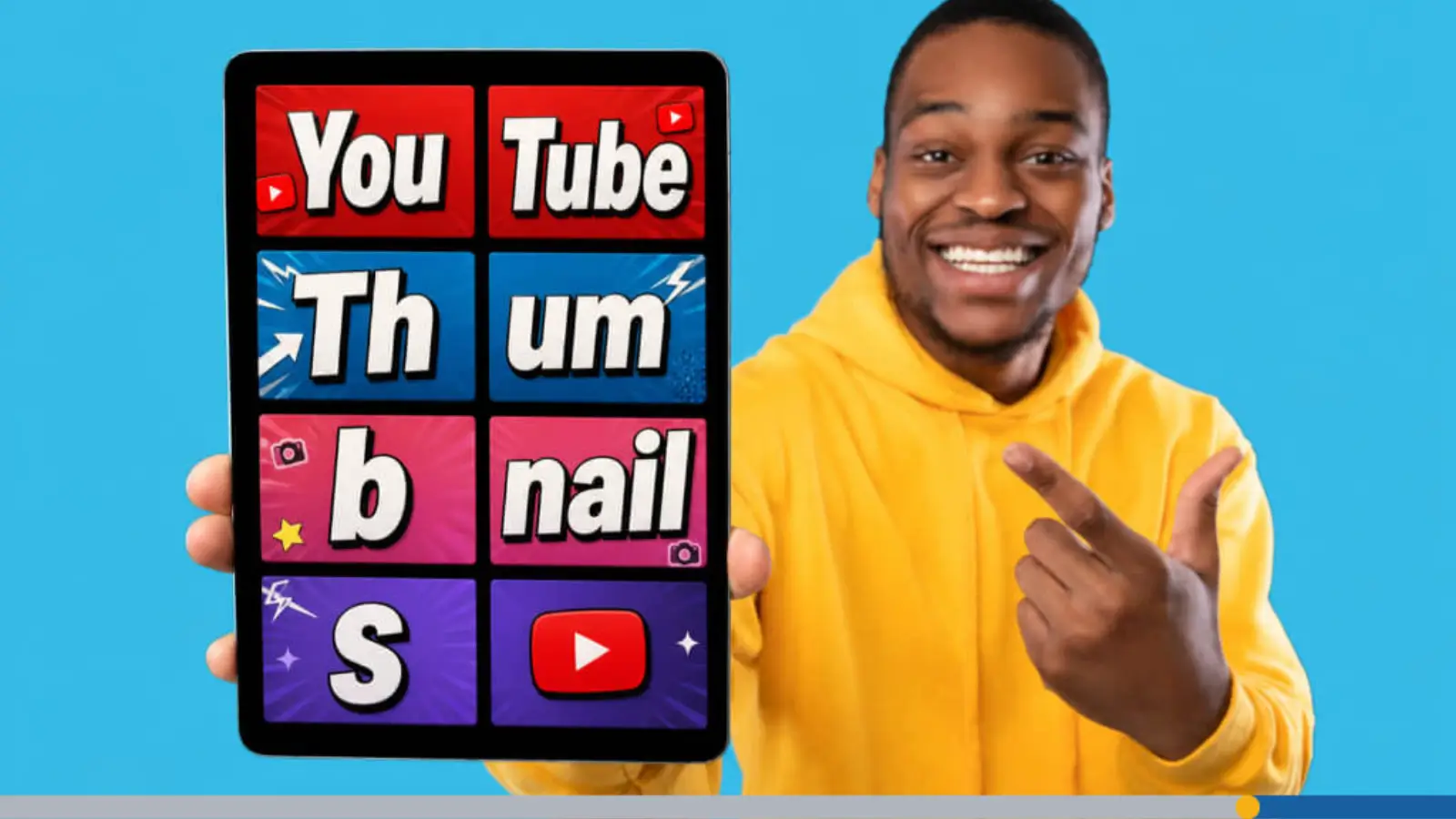
Thumbnails sell the click before the video starts. They’re tiny billboards, so every pixel has a job. Understanding the correct YouTube thumbnail size matters just as much for click-through rate as your title does.
Standard Thumbnail Size
Use 1280 x 720 px in a 16:9 ratio. Keep the file size under 2MB so uploads stay smooth.
This size gives you room for detail. It also keeps your thumbnail sharp on larger screens.
What Works Best
Use bold text, a face or logo, and a simple three-color palette. Too many colors can make the design feel noisy.
For business channels, this is a smart lane. A clean thumbnail can feel polished without looking stiff. Test your thumbnail at a small size before publishing. Most viewers will see it shrunk down in a feed of search results, not enlarged, so anything too fine or too crowded tends to disappear before it ever gets a click.
It also helps to look at your thumbnail next to your competitors’, side by side, at the size they’ll actually appear in a search results page. Colors and contrast that seemed strong on a full screen sometimes flatten out once everything shrinks down. If your thumbnail blends into the row instead of standing out from it, that’s a sign to simplify the design rather than add more to it.
Adding a Logo Watermark
A small watermark can help reinforce your brand. Place it carefully so it supports the image instead of fighting it.
Keep it subtle: A corner mark should feel like a signature, not a sticker pile.

End Screens & Watermarks
End screens help viewers keep watching. Watermarks help them remember who made the video.
End Screen Size
The base size for an end screen is 1920 x 1080 px. That gives you full HD space for links, subscribe prompts, and next-video panels.
Leave room for YouTube’s built-in elements. If your design is too crowded, the message gets buried. Since end screens overlay the final 5 to 20 seconds of a video, it’s worth keeping the background simple enough that YouTube’s subscribe button and video cards don’t clash with your own graphics.
Watermark Size & Placement
Use a logo watermark at least 150 x 150 px. Put it in the bottom-right corner, where YouTube expects it.
That spot works well because it stays out of the main content. It reminds viewers of your brand without stealing the show.
Setting It Up
Open YouTube Studio and go to branding settings. From there, upload your watermark and set when it appears.
Keep the image clean and simple. The smaller the mark, the more contrast matters. A watermark that only shows up during the final seconds of a video, for example, can double as a soft subscribe reminder without needing its own text.
Quick Reference Table
This table gives you the main specs at a glance:
| Element | Dimensions | Aspect Ratio | Safe Zone | Format | Max Size |
| Channel Banner | 2560 x 1440 px | 16:9 | 1546 x 423 px | JPG, PNG | N/A |
| Profile Picture | 800 x 800 px | 1:1 | Centered circle crop | JPG, PNG | N/A |
| Thumbnail | 1280 x 720 px | 16:9 | N/A | JPG, PNG | 2MB |
| End Screen | 1920 x 1080 px | 16:9 | N/A | JPG, PNG | N/A |
| Watermark | 150 x 150 px minimum | 1:1 | Bottom-right | PNG preferred | N/A |
Bookmark this table. Whenever you need a quick refresher on YouTube image dimensions before uploading new channel art, it’s faster to check here than to search YouTube’s own help pages.
Branding Checklist
A quick check can save you from sloppy-looking uploads. Treat it like a pre-launch checklist for your channel.
Banner Looks Right Everywhere
Check the banner on mobile and TV. If the text shifts or cuts off, move the important content inward.
Profile Icon Stays Legible
Zoom out until the icon feels tiny. If you can’t recognize it at 98 px, simplify it.
Thumbnails Feel Consistent
Use the same colors, type style, and corner logo across videos. Consistency makes your channel feel organized and dependable.
Double-Check Every Upload Against the Specs
Before you hit publish, run through the sizes one more time. It only takes a minute to confirm your YouTube banner size, your YouTube thumbnail size, and your profile icon are all correct. This action can save you from re-uploading later after YouTube awkwardly crops something.

Build It Without a Designer
You don’t need a full design team to look professional. A few smart tools can get you there faster than you think.
Use a Logo Maker
FreeLogoServices is a practical place to start for a simple business logo. It’s built for quick logo creation, customization, and saving.
A clean logo can carry your profile picture, banner, and watermark. That kind of reuse saves time and keeps your brand tight. Once you have a strong base logo, altering it into a banner, icon, or watermark is far easier than designing each one from scratch.
Use Canva for Banners
Canva also offers YouTube banner templates and easy customization. It’s a useful option if you want a banner without starting from a blank page.
Templates can speed things up while keeping your brand voice intact. Your channel should still feel like your business, not a generic theme. Swap out template fonts and colors for your own so the finished banner still fits your existing YouTube channel art size and style guide, rather than looking like it was pulled straight from a stock library.
Create Thumbnails Fast
Adobe Express has thumbnail tools and templates for YouTube. That makes it easier to build a repeatable thumbnail style.
Try keeping the same layout across uploads. It helps viewers spot your videos faster in a crowded feed.

Simple Design Rules
Good channel art follows a few plain rules. The goal is clarity, not decoration overload.
1. Use one main message on the banner.
2. Keep the logo simple and centered.
3. Limit thumbnail colors.
4. Leave space around key text.
5. Test every graphic at a small size.
These rules work because they reduce friction. Viewers can understand your brand in seconds. They’re also easy to apply retroactively. If your current channel art feels cluttered, running it through this checklist is often enough to spot exactly what to cut.

Frequently Asked Questions
What size should a YouTube banner be?
Use 2560 x 1440 px, with the main safe area centered at 1546 x 423 px. This is the standard YouTube banner size for 2026.
What is the best YouTube profile size?
Use 800 x 800 px. It displays small, so simple logos work best.
Should my profile picture have text?
No. Tiny text is hard to read at YouTube’s small display size.
What size are YouTube thumbnails?
Use 1280 x 720 px in a 16:9 ratio, with a file size under 2MB.
Do thumbnails need a logo?
A small logo can help, but keep it subtle. The thumbnail still needs one clear focal point.
What size is a YouTube end screen?
The base size is 1920 x 1080 px.
How big should a watermark be?
Use at least 150 x 150 px, and place it in the bottom-right corner.
Can I use JPG for channel art?
Yes. JPG and PNG both work for banners and profile images.
What makes a good business icon?
Simple shape, high contrast, and no tiny text. The goal is instant recognition.
Can I make channel art myself?
Yes. Tools like FreeLogoServices, Canva, and Adobe Express can help.