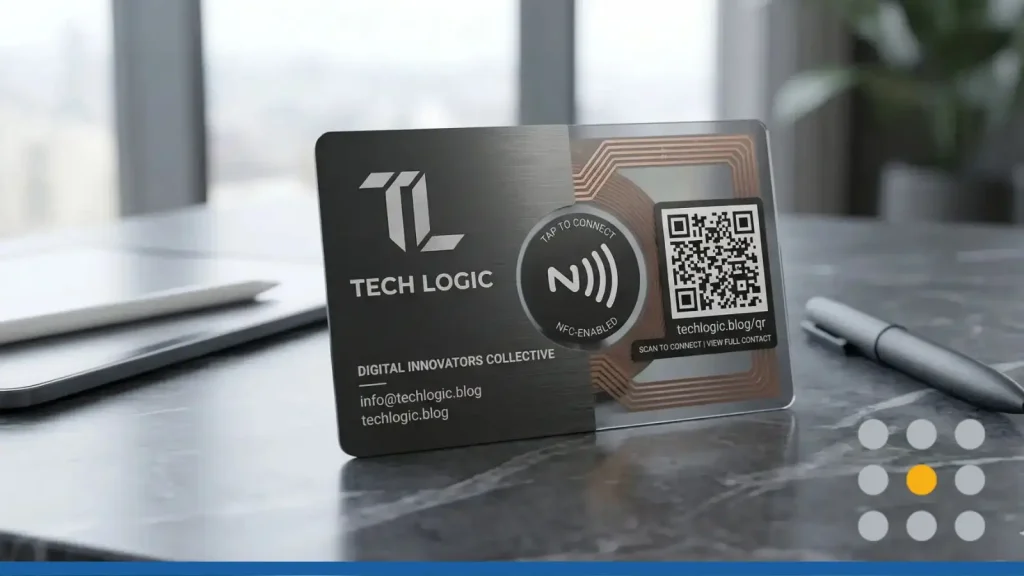
The business card isn’t going anywhere, but it’s changing fast. Between digital business cards, NFC-enabled cards, QR codes, and the classic printed version, there are more ways than ever to share your contact information.
The digital business card market is expected to reach over $238 Μillion in 2026, growing at about 12% per year. Professionals want faster, smarter ways to connect.
You don’t have to pick just one format, though. The best approach is often a mix that fits how you actually meet people, at trade shows, coffee shops, or over Zoom.
We’ll break down the four main types of business cards, cover the pros and cons of each, and help you figure out which format works best for your business.
The Four Main Types of Business Cards Today
Business cards have come a long way from plain white cardstock with black ink. Here’s a quick look at the four main types you’ll run into.
Classic Printed Cards
The original. A well-designed printed business card still carries weight, literally and figuratively. It gives people something physical to hold, and that tactile experience creates a stronger memory than a digital notification. Printed cards work anywhere, with anyone, and don’t require a smartphone or an internet connection.
They do have limits, though. If your phone number or job title changes, you’re stuck reprinting. And about 80% of all business cards get tossed within a week, so design and first impressions matter.
Printed Cards With QR Codes
Take a classic card and add a QR code, and you’ve got a hybrid that bridges the physical and digital worlds. The QR code can link to your website, a vCard with your full contact details, your social media profiles, or even a scheduling page. Recipients scan the code with their phone’s camera, and they’re instantly connected to your online presence.
This format gives you the best of both: the credibility of a printed card and the convenience of digital sharing. It’s also budget-friendly since adding a QR code doesn’t increase your printing costs.
NFC Digital Business Cards
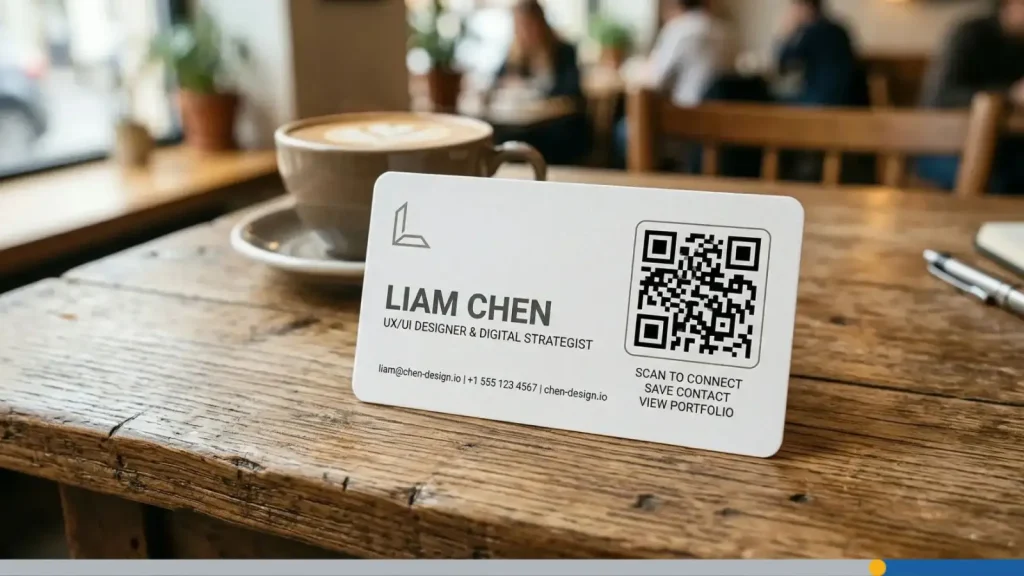
NFC stands for Near Field Communication, the same technology that powers contactless payments. An NFC business card has a small chip embedded in it. When someone taps the card against their smartphone, it opens a link to your digital profile, website, or contact details. No scanning, no typing, just a tap.
NFC cards feel modern, and the tap-to-connect experience often sparks a conversation on its own. They’re also reusable since you can update the linked content without replacing the card.
Fully Digital Business Card Apps
These are completely virtual. You create a profile in an app (like HiHello, Blinq, or Haystack) and share it through a link, email, QR code, or text message. No physical card at all.
Digital business cards are easy to update, impossible to run out of, and they can include far more than a printed card: videos, portfolio links, booking pages, and social icons. They’re a strong fit if most of your networking happens online or through email.
How Digital Business Cards Work (Pros & Cons)
Digital business cards replace the paper exchange with a link, QR code, or tap. Instead of handing someone a card and hoping they don’t lose it, you share a digital profile they can save straight to their phone’s contacts.
How People Share & Save Your Contact Details
Most platforms for digital business cards generate a shareable URL for your profile. You can drop this link in your email signature, text it after a meeting, or display it as a QR code on your phone screen. When someone opens the link, they see your full profile and can save your contact details with one tap.
Many platforms also use the vCard format, which makes your info compatible with Gmail, Outlook, and most CRM tools.
Advantages: Trackable, Updatable & Link-Heavy
- Always current. Change your job title, phone number, or website, and your card updates everywhere instantly. No reprinting needed.
- Unlimited space. Add portfolio links, videos, social profiles, booking pages, and more. You’re not limited to a 3.5″ x 2″ piece of cardstock.
- Built-in analytics. Many platforms track how often your card is viewed, which links get clicked, and where your contacts are coming from. That’s data you’d never get from a paper card.
- Never run out. Share your card with 10 people or 10,000. There’s no inventory to manage.
- Easy to share remotely. If you’re networking over Zoom, LinkedIn, or email, digital cards are the natural choice.
Limitations: Tech Comfort, Signal & Device Issues
- Requires buy-in from both sides. Not everyone is comfortable scanning a QR code or clicking an unfamiliar link. In more traditional industries, this can feel awkward.
- Internet dependency. Some app-based cards need a data connection to load properly. No signal? No card.
- Privacy concerns. Sharing through third-party platforms means your data lives on someone else’s servers. Check each platform’s privacy policy before you commit.
- Less memorable. A digital card lacks the physical presence of something you can hold. It’s easier to forget a link than a printed card sitting on your desk.

How NFC Business Cards Work (Pros & Cons)
NFC business cards look and feel like premium printed cards, but they have a small chip inside doing the heavy lifting.
What NFC Actually Is & How Tapping Works
Near Field Communication (NFC) is a short-range wireless technology. When two NFC-enabled devices are within a few centimeters of each other, they can exchange data. Hold your NFC card near someone’s smartphone, and it automatically opens a link to your digital profile or contact page. No app to download, no code to scan. The whole exchange takes about two seconds.
Advantages: The Wow Factor, Speed & Reusability
- Instant sharing. One tap and your contact details are on the other person’s phone. It’s faster than any other method.
- Memorable first impression. NFC is still new enough that the tap-and-connect experience gets a reaction. It’s a conversation starter.
- Reusable and updatable. Update your linked profile any time. The physical card stays the same, but the digital content behind it can change as often as you need it to.
- Premium feel. NFC cards are often made from metal, wood, or thick PVC, which gives them a look and feel that stands out.
Limitations: Compatibility & User Hesitation
- Not all phones support NFC. Most modern smartphones have NFC built in, but older models and some budget devices don’t. About 52% of active users still prefer QR code sharing over NFC.
- Higher upfront cost. A single NFC card can cost $15 to $50 or more, compared to pennies per card for traditional printing. For a team of 20, that adds up.
- Unfamiliar technology. Some recipients won’t know what to do when you ask them to tap their phone. That confusion can undercut the impression you’re trying to make.
- In-person only. NFC requires physical proximity. If you’re networking remotely, an NFC card won’t help.
- Security considerations. Wireless data transfer introduces some risk. NFC uses encryption, but the potential for interception exists.
QR Code, Another Kind of Digital Business Cards
QR codes on business cards are one of the simplest ways to connect your printed materials to your digital presence. They’re affordable, familiar, and work with virtually every smartphone. (If you want to go deeper, check out our guide to creative QR code ideas for business cards.)
Where to Place the QR on a Printed Card
Placement matters. The most common and effective spot is the back of the card, center, or center-right. This gives the QR code room to breathe while keeping your name, title, and logo front and center.
If you prefer a front placement, the bottom-right corner works well for minimalist designs. Make sure the code is at least 0.6 to 0.8 inches (15 to 20mm) for reliable scanning, and keep 2 to 3mm of blank space around the edges.
What to Link to (vCard, Site, Link in Bio & More)
Your QR code can link to almost anything:
- vCard. A virtual contact card that saves your name, number, email, and other details directly to the recipient’s phone.
- Your website or portfolio. Send visitors straight to your work.
- A Link in Bio page. Tools like Linktree or similar pages bundle your social profiles, booking link, and other resources in one spot.
- A scheduling page. Let people book a meeting with you on the spot using tools like Calendly.
- A special offer. Link to a landing page with a discount or promotion for new contacts.
We recommend using a changeable QR code. These codes let you update the destination URL without reprinting your cards.
Design Tips So the QR Doesn’t Overpower Your Logo
- Match your brand colors. Customized QR codes are up to 80% more effective than generic black-and-white ones. Use your brand’s color palette, but keep the contrast high between the code and its background.
- Add your logo. Many QR generators let you place a small logo in the center of the code. If you do, set the error correction level to Q or H (25 to 30% recovery), so the code still scans.
- Include a call to action. A bare QR code with no context gets fewer scans. Add a short label like Scan to connect or Save my contact to tell people what to expect.
- Keep it proportional. On a standard 3.5″ x 2″ card, the QR code should take up about 25 to 30% of one side. Big enough to scan, small enough to leave room for your design.
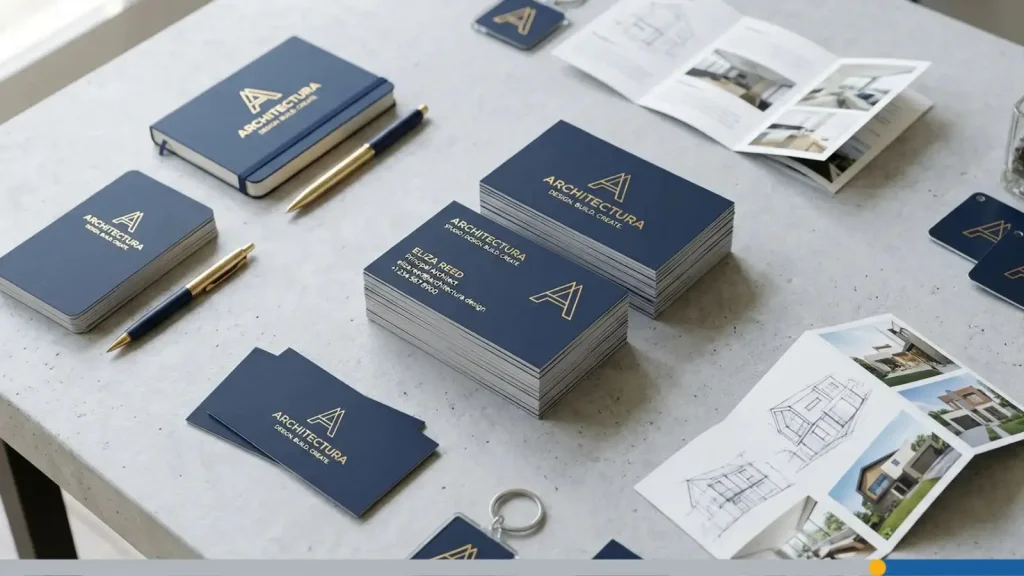
Printed Business Cards Are Not Dead (Here’s When You Still Need Them)
Don’t toss your printed cards just yet. There are plenty of situations where a physical card still wins.
Situations Where a Physical Card Still Wins
- Trade shows and conferences. You’re meeting dozens of people in a few hours. A printed card is fast, requires no explanation, and works even if the venue’s WiFi is spotty.
- Local networking events. Business mixers and community events tend to attract people who appreciate a tangible exchange.
- Client-facing businesses. If you run a restaurant, salon, or retail shop, a printed card doubles as a mini advertisement that customers can take home and share.
- International meetings. In many cultures, exchanging business cards is a formal ritual. A physical card shows respect.
How to Make Your Printed Card Support Digital
A printed card doesn’t have to be just a printed card. Here’s how to make it work harder:
- Add a QR code. Link to your digital profile, portfolio, or scheduling page.
- Print a short URL. If a QR code doesn’t fit your design, include a clean, memorable link (like yourname.com/card) that points to your digital business card.
- Include social icons. Small icons for LinkedIn, Instagram, or your most active platform tell people where to find you online.
Which Card Format Is Right for Your Business?
The best format depends on how and where you meet people. If you make a quick search, you’ll find many arguments online, on whether to pick a matte versus a glossy business card to the ongoing “digital vs paper business cards” discussion. Here’s a quick way to figure it out.
Decision Mini-Quiz
Ask yourself these questions:
- Do you meet most contacts in person or online? In person, go with something physical (printed, QR, or NFC). Online, a digital card makes the most sense.
- How tech-savvy is your audience? If your contacts are in tech, marketing, or creative fields, NFC and digital cards feel natural. More traditional industries? A printed card with a QR code lands better.
- How often does your contact info change? If your role or links change often, digital or NFC cards save you from constant reprinting.
- What’s your budget? Printed and QR cards are the most affordable. NFC has a higher upfront cost but lasts longer. Digital cards range from free to a small monthly subscription.
Recommended Combos for Different Profiles
- Consultants and freelancers. Printed cards with a QR code for in-person meetings, plus a digital card for email signatures and remote networking.
- Trades and local services. Classic printed cards. Your customers want something they can stick on the fridge or hand to a friend.
- Creators and designers. NFC or digital cards that link to a visual portfolio. The card itself becomes a showcase.
- Sales professionals. All of the above. Printed with QR for events, NFC for high-value meetings, and digital for follow-ups.
- Solopreneurs on a budget. Start with a digital card (many are free) and add printed cards with a QR code as you grow.
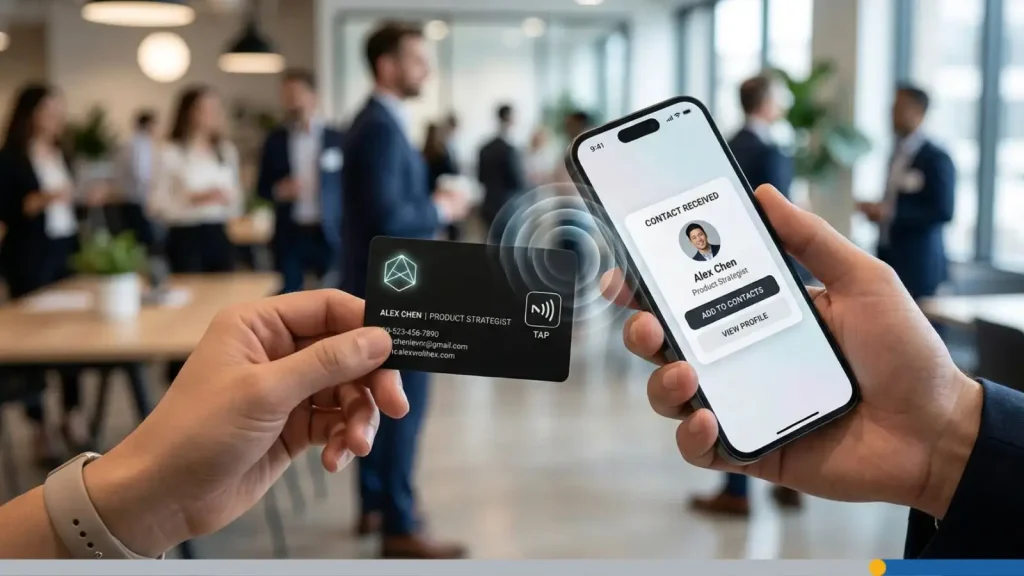
How to Design a Card That Works in Any Format
A few design principles stay the same no matter which format you choose.
Logo Placement & Hierarchy for Hybrid Cards
Your logo should be the first thing people notice. On a printed card, place it in the top-left or centered at the top. If you’re adding a QR code, keep the logo on the opposite side or give it clear visual separation so the two elements don’t compete.
For NFC and digital cards, your logo typically appears at the top of your digital profile. Make sure it’s high-resolution and looks sharp on both phone screens and printed surfaces. If you don’t have a logo yet, FreeLogoServices can help you create one that works across every format.
Essential Info vs. What to Move Online
Your card (printed or digital) should include:
- Your name and title.
- Your business name and logo.
- One phone number and one email address.
- A website URL or QR code.
Everything else, including your full social media list, service descriptions, testimonials, and portfolio links, belongs on the digital side. Link to it through a QR code, NFC tap, or URL, and keep the card itself clean.
Keeping Your Design On-Brand Across Physical & Digital
Consistency builds trust. Use the same color palette, fonts, and logo placement across your printed card, digital profile, and QR code design. If your printed card is minimalist with a navy and white palette, your digital profile should match.
Start with your logo and brand colors, then adapt the layout to each format. Tools like FreeLogoServices’s business card maker let you customize templates that keep your branding consistent, from traditional cards to QR-ready designs.
Wrapping Up
Business cards aren’t a one-size-fits-all decision anymore. The right choice depends on your industry, your audience, and how you meet people day to day. A printed card with a QR code covers most situations. NFC cards add a premium touch for in-person networking. And a digital card makes sure you’re never without a way to share your info.
Combine formats for the best results. Start with the one that fits your most common networking scenario, and add others as your needs flourish. Your business card, in whatever form, is often the first impression someone has of your brand. Make it count.
Ready to create a business card that stands out?
Browse thousands of free business card templates at FreeLogoServices and design a professional card in minutes.