
If you’re selling on Etsy, having a logo that makes a great first impression is a mandatory step to ensure success, even before your visitors read a single product description. A clear, memorable logo paired with consistent branding builds trust fast, and trust is what turns a browser into a buyer.
Why Your Etsy Branding Matters More Than Most Sellers Realize
Etsy had roughly 5.6 million active sellers as of early 2026, and that number keeps climbing. With that much competition in every category, from candles to clothing, a professional logo helps your shop stand out in search results, in a crowded favorites list, and across social media.
Shoppers make snap judgments about whether a shop feels trustworthy, and a polished logo combined with consistent colors and imagery is one of the fastest ways to signal that you run a legitimate, established business.
A shop that looks put-together, from its icon down to its packaging, tends to earn more repeat customers and better reviews because buyers feel confident about what they’re getting. Etsy’s own seller handbook backs this up, noting that your logo and shop appearance play a direct role in helping your shop stand out.
Etsy Image Specs You Need to Know
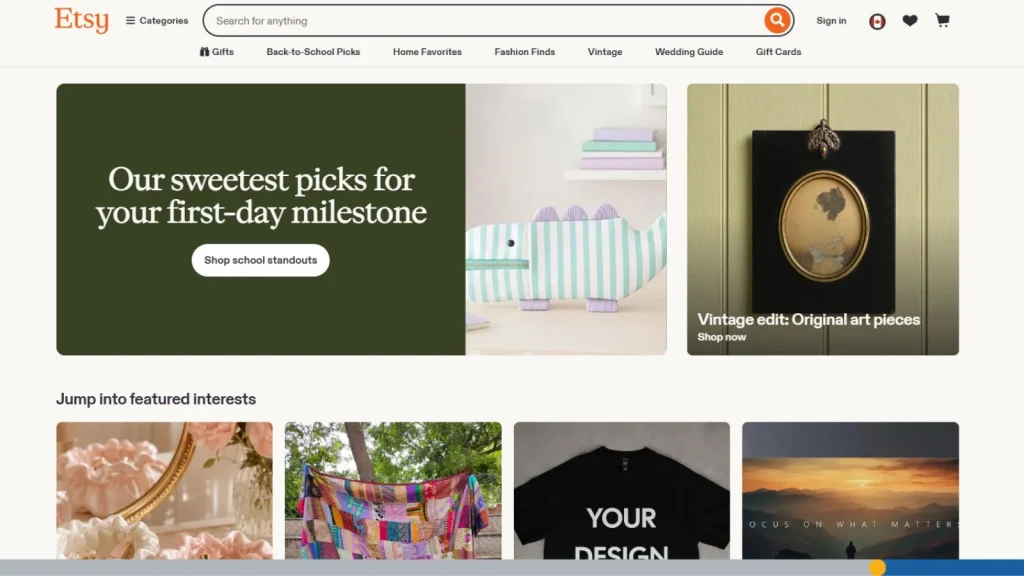
Before you design or ship anything, it helps to know exactly where your logo and branding will show up on Etsy, and at what size. Here’s a rundown of the specs, straight from Etsy’s own guidelines for 2026 onwards:
| Asset | Minimum Size | Recommended Size | Notes |
| Shop icon (profile logo) | 500 x 500 px | 500 x 500 px | Square format. This is your shop’s main branding element. |
| Shop owner profile photo | 400 x 400 px | 400 x 400 px | Separate from your shop icon. Often a photo of you or your team. |
| Team logo | 170 x 100 px | 170 x 100 px | Only needed if you run your shop with a team. |
| Mini shop banner | 1200 x 160 px | 1600 x 213 px | Displays at the top of your shop on mobile and some desktop views. |
| Big shop banner | 1200 x 300 px | 1600 x 400 px | Displays on desktop; gives you more room for branding elements. |
| Listing photos | 2000 px on the shortest side | 2000 x 2000 px (square) or 4:3 (landscape) | Max 10 photos per listing. |
Your logo also needs to work as a tiny browser favicon, which shows up at just 32 pixels wide. If it’s still recognizable that small, you know your design is doing its job.
How to Design an Etsy Shop Logo (Step by Step)
Step 1: Choose a logo style that matches your product category. A lettermark may suit a jewelry shop, while a bold illustrated icon may work better for home decor. Look at what feels right for your products before you start designing.
Step 2: Pick a two-color palette that works on light and dark backgrounds. Your logo needs to look just as good on a light-colored photo as it does on a dark Instagram post or a kraft paper package, so test it against a few different backgrounds early. Stick to one or two main colors. A logo with too many colors can look busy and is harder for shoppers to remember.
Step 3: Choose fonts that stay readable at every size. If your logo includes text, pick a font that’s clean and legible, even on a small phone screen, since most Etsy shoppers browse on mobile. Pairing a simple sans-serif with a decorative accent font (used sparingly) is a reliable combination.
Step 4: Simplify your design so it holds up at every size. Your logo has to read clearly at 500 pixels on your shop icon and still make sense as a 32-pixel favicon. If small details disappear or the design turns into a blob at that size, simplify it further.
Step 5: Finalize your files in the correct formats. Once you’re happy with the design, export a PNG for web use and a vector file (like an SVG) for anything you’ll print, such as packaging or stickers.
Choosing Colors That Match Your Brand’s Personality
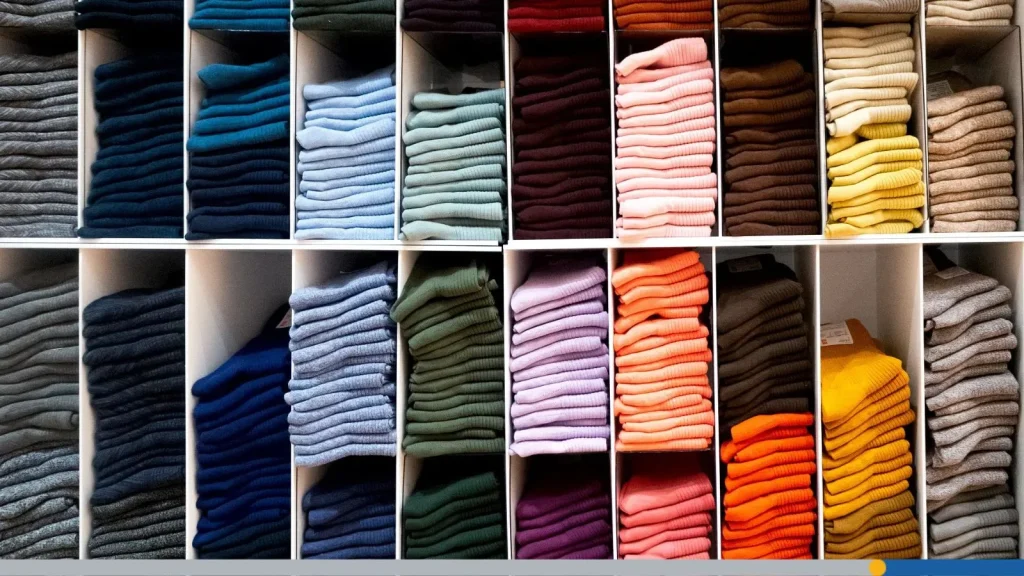
Color is one of the fastest ways to communicate what your shop is about before a shopper reads a word of your listing title. Warm tones like red and orange tend to feel energetic and bold, while soft pastels and cool blues read as calm and gentle. Earthy greens and browns often suit handmade or natural product lines, while black and gold can signal a more premium, polished feel.
There’s no single correct palette, but a few guidelines can help keep your logo effective:
- Limit your palette to two or three colors so the design stays clean and memorable.
- Choose a main color that fits your niche, then add one or two accent colors that complement it without competing for attention.
- Check your colors against both a white background and a dark background before finalizing, since your logo will appear on both.
- Look at what similar shops in your category are using, not to copy them, but to understand what shoppers in your niche already expect to see.
Etsy Logo Ideas by Shop Category
Different product categories tend to call for different logo styles. Here are a few starting points based on what works well in each field:
- Handmade jewelry: Elegant lettermarks or fine-line illustrations that echo the delicacy of the products.
- Art prints and digital downloads: Bold, artistic wordmarks that reflect a creative, expressive brand.
- Home decor and furniture: Clean geometric shapes or simple illustrated icons that feel modern and uncluttered.
- Clothing and apparel: Wordmarks, monograms, or vintage-inspired badges that feel wearable and brandable.
- Candles, bath, and body: Organic shapes and botanical motifs that suggest natural ingredients and calm.
Building a Consistent Etsy Shop Brand Beyond the Logo
Your logo is the anchor, but real branding shows up everywhere a customer interacts with your shop. Your shop banner should echo your logo’s colors and overall personality, giving visitors a consistent first impression the moment they land on your page. Since most Etsy traffic comes from mobile, keep your key branding elements (your shop name and logo) centered in the banner so they’re not cropped out on smaller screens.
Your listing photos matter just as much. Using consistent backgrounds, props, and even a small logo watermark across your product photos helps your whole shop feel like one cohesive brand instead of a random collection of items.
Don’t stop at digital touchpoints, either. Adding your logo to stickers, tissue paper, or thank-you cards turns every order into a small branding opportunity that customers remember, and often photograph for social media.

DIY Logo vs. Hiring a Designer
Plenty of successful Etsy sellers design their own logo, especially in the early stages when budget matters most. A DIY logo tool gives you full control over your design, lets you make quick edits as your shop grows, and costs a lot less than hiring a freelance designer. This route works well if your specialty calls for a simple wordmark, monogram, or clean icon.
Hiring a designer is beneficial if:
- You want a fully custom illustration.
- You are rebranding an established shop with a loyal following.
- Your product line requires a highly detailed or hand-drawn logo style.
- Our logo design process guide provides insights into:
- The workflow for creating a meaningful logo.
- Applicability to various projects and ideas.
For most new or growing Etsy shops, though, a DIY approach with tools like FreeLogoServices’ free logo maker gets you a professional-looking logo without the wait time or added cost.

Common Etsy Branding Mistakes
A few small missteps can undercut all the work you put into your branding:
- Using a screenshot of your logo instead of the original PNG or vector file, which introduces blurriness and compression artifacts.
- Running different logos across your shop icon, Instagram, and packaging, which confuses buyers about who you are.
- Choosing colors that look great on a screen but disappear or clash on kraft paper or other packaging materials.
- Skipping the small-size test. A logo that looks great at 500 pixels can turn into a blurry mess as a 32-pixel favicon if you don’t check it first.
- Overcomplicating the design. Too many colors, fonts, or fine details make a logo harder to recognize at a glance, which is exactly when most shoppers see it.
Frequently Asked Questions
What size should my Etsy shop logo be?
Your Etsy shop icon should be 500 x 500 pixels. Design it so the details still hold up when it shrinks down to a 32-pixel browser favicon, since that’s the smallest size your logo will actually appear at.
Can I use the same logo for my shop icon and banner?
Yes, but treat them as two different design opportunities rather than one stretched image. Your banner has far more horizontal space. For that reason, many sellers pair their logo with a tagline or product imagery there while keeping the shop icon itself simple and clean.
Do I need a vector file for my Etsy logo?
Yes, if you ever plan to print your logo. A vector file (like an SVG) scales to any size without losing quality, which matters for packaging, stickers, and signage. A standard PNG works fine for web use but will look blurry once enlarged for print.
How often should I update my Etsy branding?
There’s no fixed schedule, but a few triggers are good signals it’s time: You’ve added a new product line, your current logo doesn’t scale well anymore, or your shop’s look no longer matches what you’re selling. Many sellers revisit their branding every year or two just to keep things current.
How many colors should be in my Etsy logo?
Stick to two or three colors at most. A tighter palette keeps your logo memorable and easier to reproduce consistently across your shop icon, banner, and packaging. If you’re unsure which colors fit your brand, start with what your product category typically signals (warm tones for bold, playful shops; muted tones for calm, natural ones).
What’s the difference between a shop icon and a shop banner?
Your shop icon is the small, square logo that appears next to your shop name across Etsy (search results, reviews, and your shop page). Your banner is the larger horizontal image at the top of your shop page, giving you more room to show off your logo alongside a tagline, seasonal promotion, or product imagery.